Welcome to Coding Club
Heard of Python before? In Coding Club, you’ll use this powerful language to create your own art, animations, games, and more! No experience needed! Learn to code, have fun, and make new friends along the way.
This is a great chance to pick up real-world skills while having a blast and connecting with other students who love to create and explore technology.

Coding Club Information
Required: A laptop or mobile device capable of running an online coding platform, plus basic typing and computer navigation skills.
The Coding Club runs from October 16 to December 18, 2026, on Wednesdays from 5:00 to 6:00 PM, for students in Grades 6 - 12, and takes place in Room 10 at Unionville Alliance Church. Pickup will be at the Youth Room Portable.
Optional: Pizza dinner is available for all weeks at a cost of $70.
Meet the Instructors
All of our instructors are volunteers, passionate about sharing their knowledge and helping you succeed.



Connecting to the Network
1faith!!Curriculum
Raspberry Pi Setup
At Coding Club, you’ll learn to code using a variety of free, beginner-friendly tools. One of these is the Raspberry Pi Foundation’s Code Editor, where you can program in Python, HTML, and CSS while completing exciting projects from the Raspberry Pi Projects site.
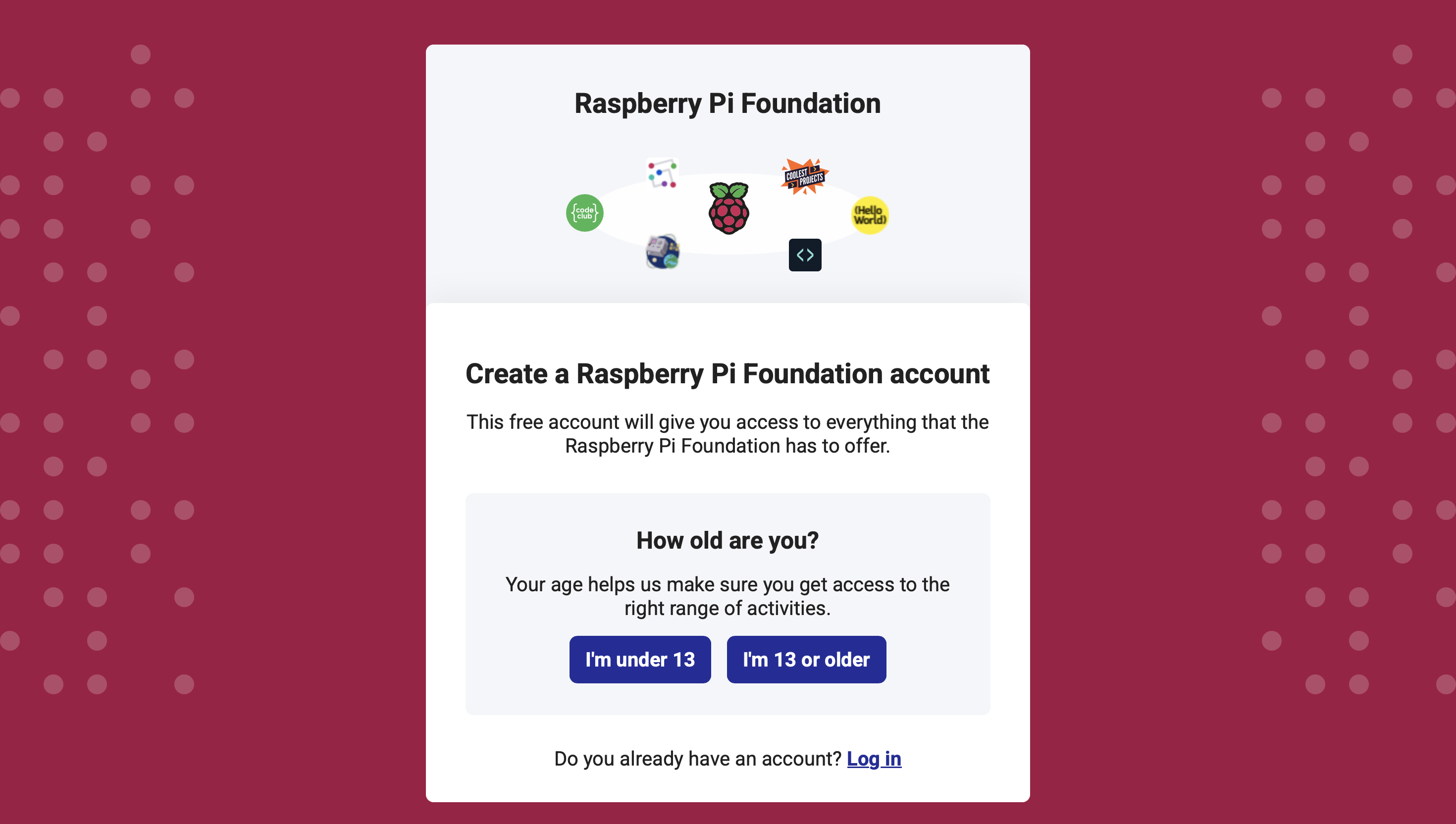
To save your projects, you’ll need a Raspberry Pi Foundation account.
- If you’re 13 or older, you can create your own account.
- If you’re under 13, ask a parent or guardian to set one up with you.
Access the editor without logging in:
Python Editor
How to Create Your Account
- Go to projects.raspberrypi.org .
- Click Log in in the top right corner.
- On the login screen, click Create one (bottom of the box).
- Select Under 13, if applicable.
- Enter your parent’s email and create a username for your child (avoid using their real name).
- Complete the remaining fields and note the username and password.
- Verify the account using the email sent to the address provided.
Code of Conduct
Be kind and respectful
Treat everyone with kindness in your words, actions, and body language. Listen when others are speaking, avoid interrupting, and help create a welcoming environment for everyone.
Use devices only for club activities
Keep phones, tablets, and other devices put away unless they’re needed for a club project. This helps everyone stay focused and shows respect for the leaders and your peers.
Stay on approved websites
Only use websites related to Coding Club activities or instructions. Staying on approved sites keeps everyone safe and focused on creativity and learning together.
By following these guidelines, we can make Coding Club a fun, respectful, and creative space for everyone.
Helpful Tips
- Bring your laptop fully charged so you’re ready to code right away.
- Arrive a few minutes before 5:00 PM so we can start on time.
- Review concepts from the previous week before class to stay confident and keep up.
- Ask questions, that’s how we learn best!
Questions?
For more details, visit the UAC Home > Coding Club page.
Questions? Contact Justin Hsu at justinh@uachome.org or call 905‑477‑1554.